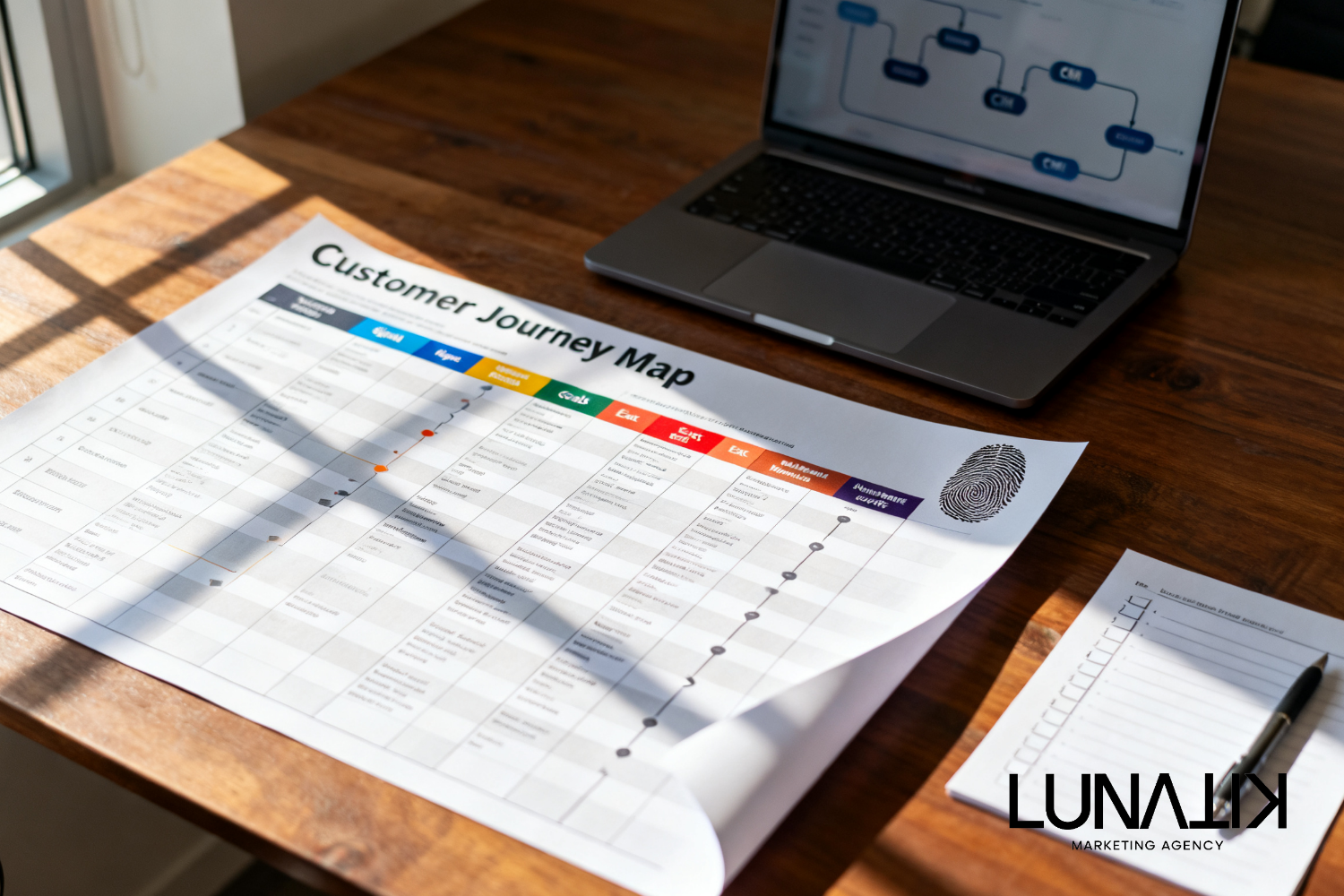
Customer Journey Mapping for Automation: Stages, Signals, and Handoffs
Mapping customer journey stages before automating follow-up means identifying the stage a contact is in, the signals that prove it, the communication objective for that stage, clear exit conditions, and when a human should intervene. Done correctly, customer journey mapping for automation prevents mistimed messages and aligns nurture workflows to real customer needs.
Why Map Stages Before Building Automation?
Automations that ignore stage produce irrelevant messages, rushed offers, or missing touchpoints. The underlying business problem is that follow-up often arrives at the wrong time or ignores a prospect's history. That happens when teams build message sequences before they agree on what each stage is supposed to achieve, how the CRM will recognize stage signals, and when a human salesperson must step in. Mapping first helps you decide what to automate, what to keep manual, and how to measure progress.
A Practical Method To Map Customer Journey Stages For Automation
Use this step-by-step approach to create a customer journey map that feeds automation rules. This method links signals, message goals, exit conditions, and human handoffs so your automation follows a decision logic rather than a schedule. If you need help turning the map into measurable actions, our Content & Growth Strategy can provide a structured workshop and deliverables.
Step 1 — Define Measurable Stages
Limit stages to five to seven meaningful milestones (for example: Awareness, Interest, Evaluation, Decision, Onboarding, Retention). Each stage must describe the customer's intent and the team behavior required. Avoid vague labels; write a one-sentence purpose for each stage so everyone knows what success looks like.
Step 2 — Identify Concrete Signals Per Stage
List observable signals that move a contact into a stage. Signals can be behavioral (website pages visited, demo requested), time-based (30 days since sign-up), transactional (purchase), or profile-based (industry, role). For automation, signals must be trackable in your systems and have clear priority when multiple signals conflict.
Step 3 — Set Message Goals And Acceptable Actions
For every stage, define the primary communication goal (educate, reduce risk, demonstrate ROI, close sale, ensure success). Then decide which channels and message types support that goal: email nurture, SMS reminders, targeted ads, or a sales outreach. This clarifies what a successful automated sequence should accomplish before exiting the stage.
Step 4 — Define Exit Conditions And Timing Rules
Exit conditions are explicit: what event or metric moves the contact to the next stage? Use objective criteria (opened X emails and requested a demo, or completed onboarding checklist). Include timing rules to avoid immediate exit on ambiguous signals and to prevent re-entering loops prematurely.
Step 5 — Specify Human Handoffs And Escalation Paths
Decide when a human should receive the lead: when a high-intent signal appears, when a contact is stuck after N days, or when disqualifying information surfaces. Document who owns the handoff, what information is in the CRM task, and the SLA for follow-up.
Step 6 — Translate Stages Into CRM Segmentation And Triggers
Map each stage to a CRM segment or field values, and define the automation triggers that will execute your nurture workflows. Keep segment logic simple to reduce errors. Build a test plan for each trigger so you can validate that signals are recorded and actions fire only under intended conditions.
Customer Journey Map Template
Below is a compact customer journey map you can copy into a planning doc or your CRM requirement sheet.
Stage | Typical signals | Message goal | Channel & timing | Exit condition | CRM segment | Human handoff |
|---|---|---|---|---|---|---|
Awareness | Visited blog, clicked ad | Introduce brand and value | Email drip; 3 messages over 10 days | Downloaded guide or visited pricing | Awareness | No |
Interest | Opened multiple emails, product page visit | Build relevance and credibility | Email + retargeting ads; 7 days | Requested demo or case study | Interest | Optional: SDR alert if high intent |
Evaluation | Demo attended, pricing viewed | Answer objections; compare options | Personalized email; sales call within 48 hours | Proposal sent or purchase | Evaluation | Required: sales follow-up |
Onboarding | Account created, first login | Enable success | Welcome series, in-app tips; 14 days | Completed onboarding checklist | Customer - New | Customer success check-in |
Retention | Regular usage, repeat purchase | Increase lifetime value | Periodic value emails, offers | Churn risk signal or upgrade | Active Customer | Account manager intervention if churn risk |
Implementation Considerations And Tradeoffs
When you move from map to automation, plan for these practical decisions. First, data quality matters: missing or duplicate records create false signals. Second, choose simple segmentation rules that your team can maintain. Third, balance automation volume with personalization; more automation reduces manual load but can reduce contextual relevance. Finally, decide where to apply AI or advanced scoring and where to keep deterministic rules. If you want to evaluate how AI can assist scoring and trigger decisions as part of this implementation, review The AI Advantage for options and constraints.
Testing, Measurement, And Iteration
Before enabling full automation, run a controlled pilot. Validate signal capture, confirm exits occur only when intended, and simulate handoffs so sales and success teams receive clear tasks. Track stage conversion rates and time-in-stage as your core metrics. Use short iteration cycles: adjust signals, refine messages, and tighten exit rules based on pilot data.
For a deeper look at automating mapped journeys and how staged triggers fit into broader workflows, see the AI Marketing Workflow.
Common Pitfalls And How To Avoid Them
Too many micro-stages. Keep stages actionable and measurable.
Relying on a single unreliable signal. Combine behavioral and profile signals to reduce noise.
Automating everything. Preserve manual outreach for high-value or ambiguous cases and document handoff rules.
Poor CRM hygiene. Establish ownership for data quality and deduplication before launch.
No rollback plan. Create safeguards to pause or revert automations if they cause negative outcomes.
Frequently Asked Questions
How Many Journey Stages Should We Use?
Use five to seven stages to keep the map usable. More stages increase precision but complicate automation and reporting.
Can The Same Signal Trigger Multiple Stage Changes?
Yes, but rank signals and create tie-breaker rules. Prefer events that clearly indicate intent for stage advancement and use scoring to aggregate weaker signals.
What Role Should CRM Segmentation Play?
CRMs should hold the canonical stage value and related fields used for segmentation. Keep logic transparent and document segment definitions so automation rules can reference them reliably.
How Do We Decide Between Email, SMS, Ads, And Sales Outreach?
Match the channel to the message goal and the customer's expectations. Use lower-friction channels for early stages and higher-touch channels when intent is strong.
Plan Follow-Up Automation With Mapped Journeys
We help marketing and sales teams convert a mapped customer journey into an automation plan that respects signals, message goals, exit conditions, and human handoffs. At Lunatik Marketing Agency, we start with a short mapping workshop, translate stages into CRM segments and nurture workflows, and produce trigger rules and handoff criteria your team can use immediately. If you want a practical plan that prevents mistimed messages and improves lead-follow-up coordination, start the process with us through Build Your Growth Strategy to improve automation timing and lead-follow-up coordination.