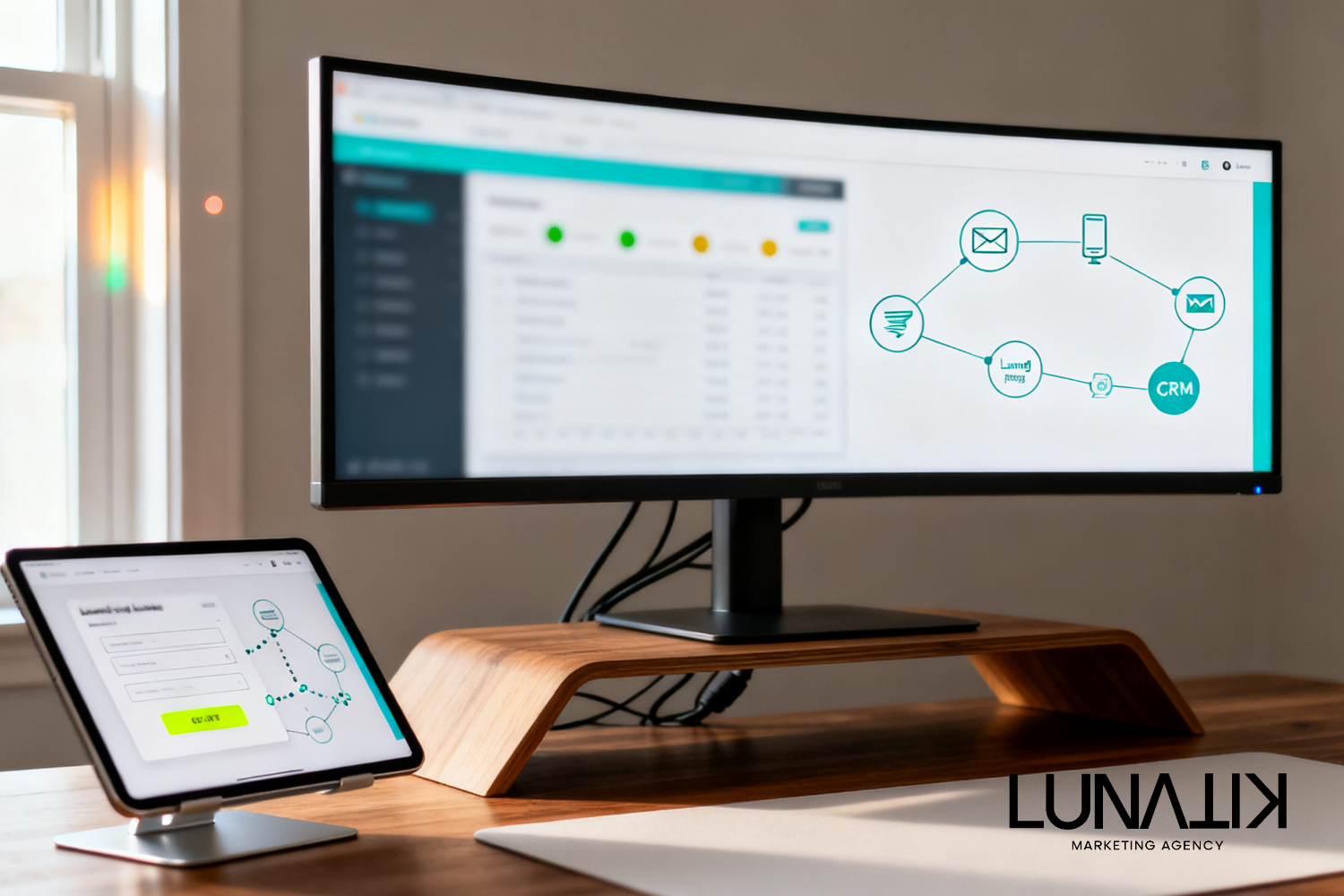
Website Design for Lead Generation: A Practical Guide
Many local businesses treat a website as a digital brochure instead of an active lead engine. Website design for lead generation is about structuring pages, messaging, and flows to invite action so visitors become leads. Website Design & Optimization ties design, conversion pathways, and follow-up systems together to make each visit count.
Common struggles are mixed priorities: attractive visuals that don’t convert, slow pages that lose visitors, and no connection between website leads and sales follow-up. Those gaps increase reliance on isolated campaigns rather than predictable inbound lead flow, which weakens customer experience and growth over time.
Fixing the problem means starting with business outcomes and customer journeys before choosing tools. Lunatik Marketing Agency builds AI-first marketing systems that pair conversion optimization with CRM automation and paid channels. That creates faster follow-up, better experiences, and a measurable path from visit to appointment.
Quick Answer
Website design improves lead generation by shaping user paths, reducing friction, and aligning messaging with buyer intent. A focused site uses landing pages, clear CTAs, optimized forms, and fast mobile experiences, then connects leads into CRM workflows so follow-up is immediate and consistent.
Key Takeaways
Design for action: place primary CTAs where decisions are made, not hidden in footers.
Speed and mobile UX directly affect conversion rates; measure Core Web Vitals and prioritize fixes.
Use purpose-built landing pages for campaigns to control messaging and A/B test conversions.
Connect website leads to CRM automation to cut follow-up time and improve contact rates.
Optimize forms and microcopy to reduce friction while capturing essential lead data.
Quick Business Snapshot
Metric | Value |
|---|---|
Best For | Local service and professional firms seeking predictable inbound leads |
Business Size | Small to mid-size businesses |
Primary Benefit | Higher conversion from site visits to qualified leads |
Implementation Complexity | Low to medium depending on integrations |
Lunatik Service Fit | |
Typical Environment | Paid ads, referral traffic, organic search, and local listings |
Who Should Consider This Solution
Contractors and home services that need faster lead follow-up to book jobs.
Professional services wanting clearer service pages that convert consultations.
Local businesses running paid campaigns that require tailored landing pages.
Sales teams that lose momentum due to slow or manual lead intake processes.
Businesses planning to centralize leads into a CRM for predictable nurturing.
Design Decisions That Move Numbers
Design choices that impact lead generation are straightforward: prioritize clarity over cleverness, reduce distractions, and guide visitors to a single action per page. Visual hierarchy should highlight the offer, supporting proof, and a clear next step. Instead of asking for every detail upfront, capture what’s necessary to start a conversation—name, contact, and intent—and handle deeper qualification in follow-up automation.
Business impact comes from fewer wasted visits and faster engagement. Pages that guide decisions shorten the buyer journey and reduce friction for high-intent visitors. Use strong contrast for CTAs, limit navigation when running campaigns, and present trust signals appropriate to the service: real photos of work, certifications (if applicable), and short testimonials. These changes are design-driven but evaluated on how they affect inbound conversion metrics and lead quality.
Speed, Mobile UX, and Conversion Optimization
Page speed and mobile layout are conversion factors, not optional upgrades. Mobile-first design reduces abandonment and matches where most local search happens. Core Web Vitals are useful diagnostics, but decisions should prioritize perceived performance—visible content paints the fastest impression for visitors.
Start with a performance audit, then implement techniques that improve perceived and actual speed: compress images, defer noncritical scripts, and simplify above-the-fold elements. On mobile, prioritize a single-column flow, large tap targets for CTAs, and concise headlines. Test changes with A/B experiments that measure lead volume and lead quality rather than vanity metrics like time on site.
Landing Pages, Messaging, and Conversion Optimization
Landing pages are where design for lead generation earns its ROI. A targeted landing page aligns the visitor’s source, the offer, and the next step. Avoid repurposing a homepage for campaign traffic; campaign landing pages control messaging, reduce choice, and make A/B testing practical.
Use one primary headline that matches ad or search intent, a short benefits section, a compact form or booking widget, and a single CTA. Add concise proof elements below the fold. Conversion optimization is iterative: hypothesize which element to change, run a controlled test, and measure real business results like booked appointments per 1,000 visits.
Form Design, CTAs, and Trust Signals
Simpler forms tend to convert better. Each additional field reduces completion. Ask for the minimum to get a qualified conversation started and combine progressive profiling through automated follow-up. CTAs should use action terms aligned to the outcome—Schedule, Get a Quote, Request a Visit—paired with urgency or convenience when appropriate.
Trust signals reduce anxiety. For local businesses, that often means service photos, short testimonials, service area clarity, and clear contact methods. Avoid generic badges that add clutter. Instead, choose the few signals that reflect credibility for the target audience and place them where visitors make decisions.
Integrating the Website with CRM and Automation
Connecting the website to a CRM ensures leads are routed, prioritized, and followed up quickly. A site that converts without feeding the sales process wastes potential. Integration enables automated routing, lead scoring, and immediate SMS or email acknowledgments that improve contact rates.
Business impact is measured by reduced time-to-contact and higher conversion from lead to booked appointment. Design website forms and events so they map to CRM fields, then automate next steps: instant confirmation, a short qualification sequence, and scheduling links. The AI advantage helps with lead enrichment and follow-up personalization; see The AI Advantage for how automation can increase follow-up efficiency.
A Practical Example
Business situation: a two-person HVAC company wants more booked maintenance visits during shoulder seasons. Marketing challenge: paid ads produce clicks but few booked jobs because the homepage is generic and calls are missed. Decision: deploy targeted landing pages for seasonal offers and connect leads to a lightweight CRM workflow that triggers immediate SMS confirmations and same-day callback assignments.
How Website Design & Optimization supports that decision: build campaign-specific landing pages with clear pricing tiers, a short form that captures service type and zip code, and a mobile-first booking CTA. Hook the form into CRM automation that assigns leads by zip and sets reminders for follow-up. The result is fewer lost leads, more booked appointments, and more predictable seasonal revenue.
Approach | Manual Follow-Up | CRM Automation |
|---|---|---|
Response Time | Hours to days | Immediate (seconds to minutes) |
Consistency | Varies by person | Predictable, rule-based |
Scalability | Limited | High |
Tracking | Manual, error-prone | Automated, auditable |
Practical Checklist
Map the customer journey for each primary service and identify the single action per page.
Create targeted landing pages for paid campaigns and key service pages that match search intent.
Audit page speed and mobile UX; implement quick wins like image compression and script defer.
Simplify forms to essential fields and plan progressive profiling in CRM workflows.
Integrate forms and booking widgets with the CRM to enable immediate confirmations and routing.
Set up short automated follow-up sequences (SMS + email) for new leads to improve contact rates.
Run A/B tests focused on leads per 1,000 visits and monitor lead quality metrics in the CRM.
Document handoff processes so sales knows how to prioritize and close website-generated leads.
What Lunatik Marketing Agency Recommends
Evaluate website performance by asking how many visits turn into qualified conversations, not just page views. Reorganize pages around conversion goals, deploy targeted landing pages for paid and seasonal offers, and reduce form friction. Connect the site to a CRM and automate the first touch so follow-up is immediate. Use AI-driven enrichment and routing to prioritize high-value leads, then iterate based on real lead-to-booked metrics. This approach ties design choices to measurable business outcomes and creates a system for steady growth.
Common Mistakes to Avoid
Overloading pages with options; instead, limit choices and guide one action per page.
Ignoring mobile layout; test and optimize on actual devices used by customers.
Asking for too much information upfront; capture essentials and qualify later through automation.
Not connecting leads to CRM; manual intake leads to lost opportunities and inconsistent follow-up.
Testing cosmetic changes without measuring lead quality; focus on business metrics.
Frequently Asked Questions
How long before a redesigned website starts generating more leads?
Results vary, but early wins often appear within weeks for high-impact fixes like faster pages, simplified forms, and targeted landing pages. Meaningful changes in lead volume and lead quality are usually measurable within a month when the site is connected to CRM reporting and campaign tracking.
Should a business use one website or multiple landing pages for campaigns?
Use the main website for evergreen information and dedicated landing pages for specific campaigns. Landing pages control messaging and reduce distractions, making A/B testing and campaign measurement simpler. Keep the brand consistent while tailoring the offer and CTA to match the traffic source.
What information should be captured on a contact form?
Capture the minimum required to start a qualified conversation: name, contact method, and the service or problem. If location matters, include zip code. Defer detailed questions to follow-up or automated qualification so conversion remains high and the sales team has time to gather specifics during the first contact.
How does integrating a website with a CRM improve conversion rates?
Integration shortens time-to-contact and reduces lead leakage. Automated acknowledgments, routing rules, and prioritized callbacks increase the likelihood a lead becomes a booked appointment. Tracking in the CRM also identifies which pages and channels produce the best leads, enabling smarter investment decisions.
Can AI help with website lead generation?
AI assists in enrichment, lead scoring, and personalization of follow-up, which increases efficiency and contact rates. Use AI to surface high-potential leads from form submissions and to tailor automated messages, but base design and conversion choices on user behavior and measurable outcomes rather than AI alone.
Final Design Insight for Lead-Focused Sites
Treat the website as part of a connected system: design must lead to action and that action must immediately enter a follow-up workflow. The most successful sites are those that remove decision friction and tie visits to fast, relevant responses from sales or automation.
Why Trust Lunatik Marketing Agency
Capability | Focus |
|---|---|
AI-driven marketing approach | Use AI for enrichment, routing, and personalization |
Lead generation expertise | Design and campaign pages for measurable inbound leads |
CRM automation expertise | Connect forms to workflows that reduce time-to-contact |
Paid advertising management | Build landing pages that align with ad intent |
Website optimization expertise | Improve speed, mobile UX, and conversion paths |
Customer-first marketing philosophy | Design decisions based on customer journey and business outcomes |
Ready to Improve Your Conversion Funnel
The recommended next step is an audit that maps your highest-value pages to the customer journey, identifies quick wins for conversion optimization, and outlines CRM integration points to automate follow-up. Start with page-level goals, fix the most damaging UX and speed issues, and create one trackable campaign landing page to validate assumptions. Improve Your Website