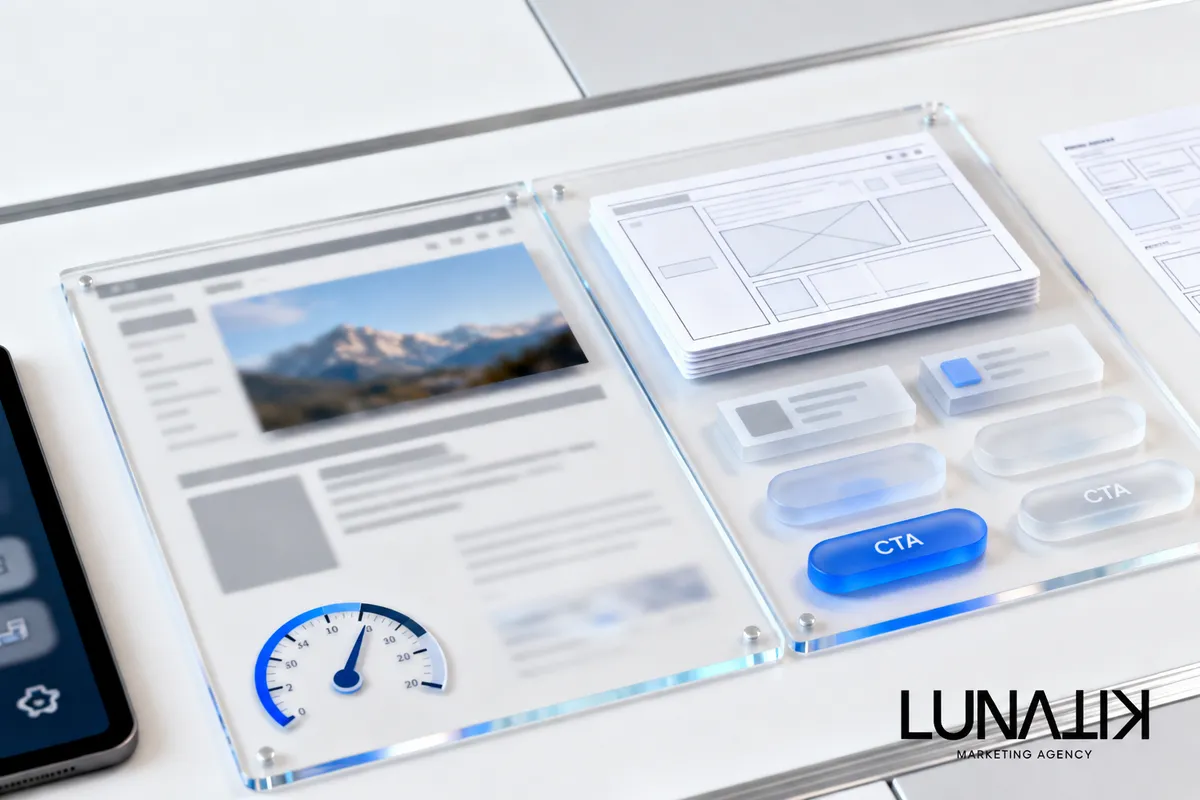
Website Speed vs Design: How to Prioritize Fixes
Short answer: prioritize website speed for most limited budgets, but use a simple decision framework to confirm whether visual design is the larger barrier to conversions for your specific site. If pages load slowly or fail Core Web Vitals on mobile, fix performance first. If users can load pages quickly but abandon during task flows because design, clarity, or trust are poor, prioritize design improvements.
Why The Website Speed Vs Design Decision Matters For Your Business
Decision-makers often face a single question: which fixes deliver the biggest business impact per dollar spent. Page speed affects nearly every visitor immediately, influences mobile usability, and is measurable with field metrics. Visual design influences perceived trust, clarity of offers, and conversion rate once users stay on the page. Both matter, but they affect different parts of the funnel. Treat this as a triage problem: stop major leaks first (performance) then remove friction where users make decisions (design).
How To Decide: A Prioritization Matrix For Limited Budgets
Use a weighted matrix that compares severity, affected users, conversion friction, estimated effort, and how easy it is to measure results. This helps convert subjective opinions into action. If you later need a vendor for both visual work and structural fixes, consider a partner offering Web Design & Digital Presence to coordinate priorities and scope.
Issue | Severity | Affected users | Conversion friction | Estimated effort | Measurement options | Priority |
|---|---|---|---|---|---|---|
Long LCP, slow loads | High | Most mobile users | High (users leave before seeing content) | Low to medium (optimizations, host/CDN) | Field metrics, Lighthouse, CrUX | Fix first |
Poor form layout, confusing CTA | Medium | Users ready to convert | High (blocks completion) | Low (UX tweaks, A/B test) | Funnel analytics, session recordings | Fix after baseline speed |
Heavy visual redesign for brand | Low to medium | All visitors but not blocking | Low (mostly perception) | High (redesign effort) | Brand surveys, conversion tests | Plan but stage later |
When To Fix Speed First: Practical Indicators And Quick Wins
Fix speed first if diagnostics show poor page speed or failing core web vitals, especially on mobile. Practical, high-impact fixes that typically cost less than a full redesign include optimizing images, enabling caching, using a CDN, deferring nonessential third-party scripts, and reducing render-blocking CSS and JavaScript. These changes reduce bounce, improve mobile usability, and create a baseline where design tests produce reliable results.
Measurement Steps For Performance Fixes
Capture baseline metrics using PageSpeed Insights, Lighthouse, and field data like CrUX or Google Search Console's Core Web Vitals report.
Prioritize fixes with low effort and high impact: image compression, proper size attributes, caching headers, and removing or deferring slow third-party tags.
Roll changes to production, then validate with real-user metrics and A/B traffic where possible.
When To Prioritize Design Improvements Instead
Prioritize visual design when performance is already acceptable and analytics show users reach conversion points but do not complete them. Common design issues include unclear value proposition, poor CTA hierarchy, confusing form fields, mistrust signals, or mobile layout problems that block interaction. Design changes are best when you can measure their impact with A/B tests or funnel analytics.
Design-Focused Work That Often Increases Conversion Rate
Simplify and clarify the primary CTA and value proposition above the fold.
Reduce form fields and implement progressive disclosure for lengthy inputs.
Improve content hierarchy for mobile screens so users can scan and act quickly.
Add or improve trust signals only after they are shown to affect conversions through testing.
How To Implement Improvements When Budget Is Limited
Split the work into a short-run “performance baseline” and a staged design program. First, secure a performance floor that avoids losing users before they see offers. Next, run small, measurable design experiments on the highest-traffic pages. Prioritize pages that drive leads or revenue rather than redesigning the entire site at once. Automation, monitoring, and AI-assisted analysis can speed diagnosis and testing; for options that incorporate automation and predictive testing, see The AI Advantage.
Measuring Results And Avoiding Common Tradeoffs
Define clear KPIs before making changes: field page speed (LCP, CLS, INP), bounce rate, mobile task completion, and conversion rate for key funnels. Use both lab tools for reproducible tests and field data for real-user impact. Beware tradeoffs: adding large hero images improves perceived design but can hurt page speed if not optimized. Always test altered assets under realistic mobile conditions so you don’t trade one problem for another.
For a concise reference on common questions, see our Frequently Asked Questions.
Frequently Asked Questions
How Fast Does My Site Need To Be?
Aim to meet Core Web Vitals thresholds used by browsers and search tools: LCP under about 2.5 seconds, CLS low (near 0.1 or less), and interaction latency in the low hundreds of milliseconds. Use field data to evaluate real user experience rather than only lab numbers.
Will A Redesign Always Slow My Site?
Not necessarily. Redesigns can slow a site if they introduce heavy scripts, unoptimized imagery, or complex client-side frameworks. A design-first project should include performance guardrails: image optimization, component-level performance budgets, and regular testing during development.
How Do I Test Design Changes Without Losing Conversions?
Use A/B tests or staged rollouts that split traffic so you can compare conversion metrics. If traffic is low, prioritize smaller changes with large expected effects (button copy, form length) and monitor both qualitative feedback and quantitative metrics.
Decision Checklist: Quick Review Before You Act
Run field performance checks on mobile and desktop.
Identify pages that drive leads or revenue and check their speeds first.
Run funnel analysis to locate design friction points.
Estimate effort and time-to-value for each fix.
Prioritize fixes that reduce user loss early (speed) and then optimize conversion friction (design).
Build a Better Website Experience
We help businesses create a prioritized, measurable plan that balances website performance, user experience, and design to maximize their budget. At Lunatik Marketing Agency, we begin with technical diagnostics, real-user performance metrics, and conversion analytics to identify issues affecting speed, usability, and lead generation. Based on these findings, we develop a practical roadmap focused on high-impact fixes, mobile responsiveness, smoother navigation, and targeted design improvements. Our goal is to help your team make informed decisions, improve website performance, and turn more visitors into customers. Ready to identify your website's biggest opportunities for improvement? Schedule a conversation with our team: Improve Your Website.