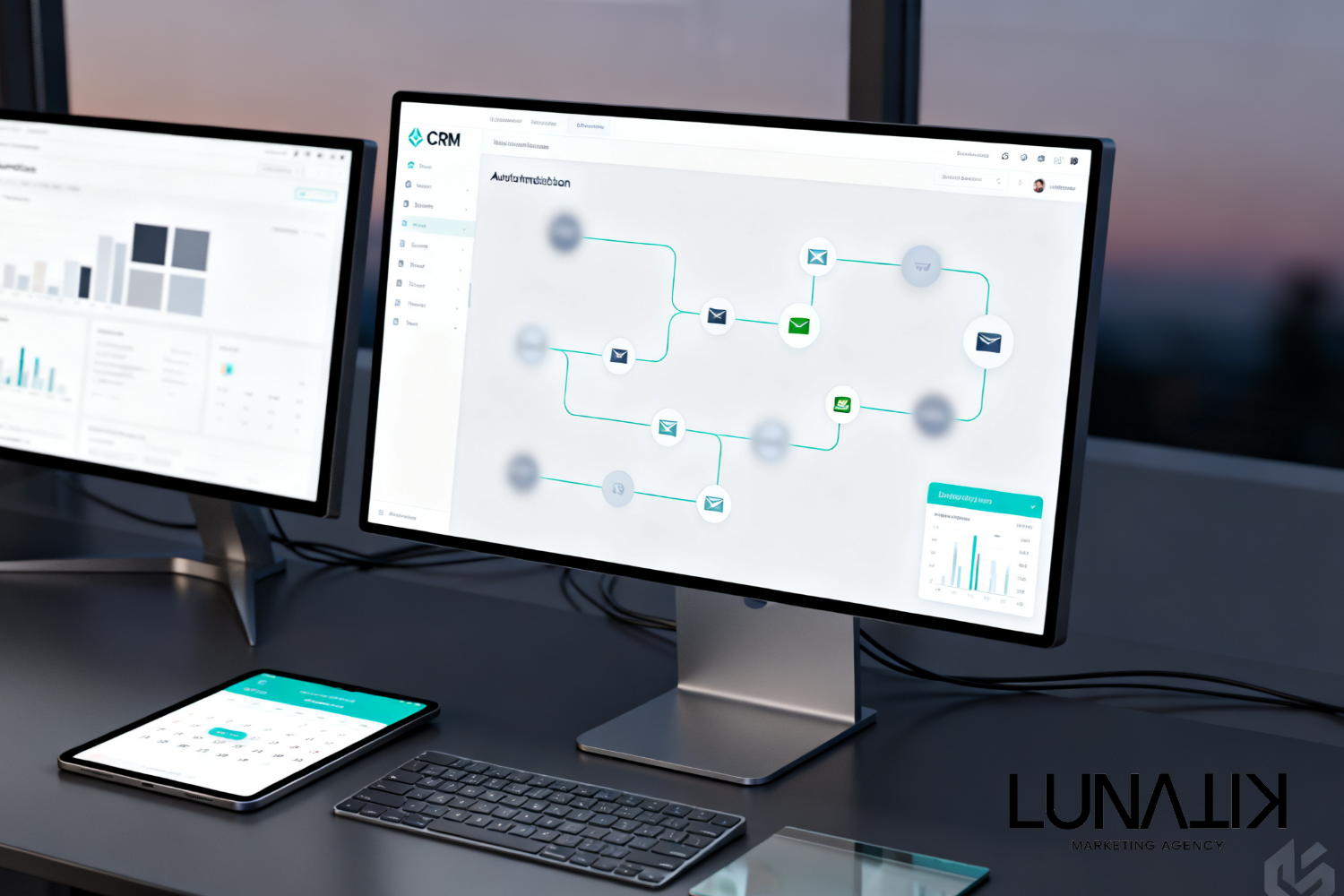
Close follow-up gaps with CRM automation: what it is and why
Most local businesses have good lead sources but lose momentum during follow up. CRM automation answers the question of how to capture, qualify, and follow up with leads automatically so salespeople spend time closing deals instead of chasing records. CRM automation connects lead management, follow up automation, and a sales CRM into predictable workflows and supports Custom CRM Builds when off-the-shelf systems fall short.
Many organizations struggle because contact records live in multiple places, manual follow up is inconsistent, and lead handoffs between marketing and sales are poorly defined. That breaks the customer experience and reduces close rates, even when advertising and web traffic are healthy. Faster, consistent follow up turns marketing activity into revenue by improving conversion at every touchpoint.
Start by mapping the customer journey and identifying where delays happen before picking tools. Lunatik Marketing Agency builds AI-first marketing systems that prioritize automated lead follow up, clear lead scoring, and analytics that show whether the system is working. With the right CRM automation, a business can move from reactive chasing to predictable lead conversion.
Quick Answer
CRM automation uses software to manage and automate repetitive tasks in a sales CRM—like capturing leads, assigning them to owners, sending follow up messages, and updating contact records. It matters because automated lead management and follow up automation reduce response time, prevent leads from slipping through the cracks, and create measurable pathways from ad click to booked job.
Key Takeaways
- CRM automation reduces manual data entry and enforces follow-up timelines so no lead is lost.
- Well-structured lead routing and scoring speed up contact with high-value prospects and improve conversion rates.
- Integrating CRM automation with paid ads, websites, email, and SMS creates a connected lead generation system.
- Custom CRM Builds help businesses with specific processes, complex service offerings, or unique sales stages.
- AI can assist with lead prioritization, templated responses, and insights, but human touch is still needed for closing.
Quick Business Snapshot
| Category | Details |
|---|---|
| Best For | Service businesses and contractors needing reliable lead follow up |
| Business Size | Small to mid-size teams with 2–50 sales or service staff |
| Primary Benefit | Faster response, consistent follow up, higher conversion |
| Implementation Complexity | Low to high depending on integrations and customization |
| Lunatik Service Fit | Custom CRM Builds |
| Typical Environment | Paid ads, website lead forms, phone leads, and email/SMS follow up |
Who Should Consider This Solution
- Companies losing leads between marketing and sales because of manual handoffs.
- Teams where response time varies and no standard follow up exists.
- Businesses with recurring services that need reliable customer re-engagement.
- Organizations that use multiple tools and want a single source of truth for leads.
- Firms that want to add AI-driven lead prioritization without overcomplicating workflows.
What CRM Automation Actually Does
CRM automation captures leads from web forms, ads, phone calls, and email, then applies rules to assign ownership and trigger follow-up actions. It enforces business rules so leads move through defined stages with time-based reminders, automated emails or SMS, and status updates. That shortens response time and gives managers visibility into pipeline velocity and bottlenecks.
From a business perspective, this means fewer lost opportunities and clearer accountability. For marketing systems, CRM automation makes conversion tracking reliable because every lead event is logged. For sales operations, it reduces repetitive tasks and helps reps focus on conversations that require human judgment.
How Lead Management and Scoring Improve Conversion
Lead management organizes inbound contacts and ensures follow up automation is applied consistently. Scoring uses attributes like source, behavior, and intent signals to prioritize leads so high-value prospects get immediate attention. Prioritization raises hit rates by matching response urgency to lead potential instead of treating all leads equally.
Operationally, a simple score can route hot leads to phone outreach while nurturing lower-scored contacts with timed email and SMS sequences. Using clear rules avoids subjective decisions that slow response and helps teams forecast revenue more accurately.
Integrations That Matter for Connected Systems
Direct answer: the most important integrations are web forms, call tracking, ad platforms, email/SMS providers, and calendar systems. When these systems feed clean data into the CRM, automation rules have dependable triggers and actions. Broken integrations are the main cause of automation failure because they create blind spots in lead flows.
Evaluate each integration by data fidelity and latency. For example, real-time form capture is preferable to batch imports. If existing tools don’t fit, consider a Custom CRM Builds approach to combine the necessary functions into a single, maintainable system. See Software We Work With for integration patterns commonly used by local businesses.
Implementation Tradeoffs: Off-the-Shelf vs Custom CRM
Direct answer: off-the-shelf CRMs are quicker to launch, while Custom CRM Builds offer tighter alignment with specific processes. Choose off-the-shelf when sales stages are standard and integrations are supported. Choose custom when the business has unique intake steps, complex service scheduling, or industry-specific compliance needs.
Custom CRMs increase initial investment and implementation time but reduce workarounds. The decision should follow a clear mapping of processes, expected volume of leads, and which automations will produce measurable results in conversion and efficiency.
A Practical Example
Direct answer: a home services company can turn a 24-hour response rule into automated actions that support more booked estimates. Situation: a mid-size contractor runs local ads and receives leads via web forms and calls. Challenge: response time varies and many leads receive only a single email before being forgotten. Decision: implement CRM automation to capture leads, assign to territory reps, and trigger an immediate SMS plus a follow-up call reminder. Lunatik Marketing Agency supports this decision by designing the lead pipeline, building the automation rules in a Custom CRM Builds scope, and connecting ad platforms and the website so lead events are tracked end-to-end.
The outcome is straightforward: faster contact, fewer missed estimate requests, and clearer reporting on which ad channels produce appointments instead of unknown leads.
Comparison: Manual Follow-Up vs CRM Automation
| Manual Follow-Up | CRM Automation |
|---|---|
| Inconsistent timing and missed leads | Enforced timelines and automated reminders |
| High administrative burden on staff | Reduced repetitive tasks and faster outreach |
| Poor reporting and unknown pipeline gaps | Actionable analytics and clear bottleneck visibility |
| Hard to scale without more hires | Scales with rules and integrations |
Practical Checklist
- Map the customer journey from first touch to close and identify handoff points.
- Define minimum follow-up rules and SLA for response time based on lead source.
- Select required integrations for web forms, calls, ads, email, and SMS.
- Create lead scoring criteria tied to business value and behavior signals.
- Build and test automated sequences for initial contact and scheduled follow-up.
- Train staff on new ownership rules and how to handle automation exceptions.
- Monitor key metrics: response time, contact rate, appointment rate, and pipeline velocity.
- Iterate automation based on data and customer feedback.
What Lunatik Marketing Agency Recommends
Start by diagnosing where leads are lost and which follow-up actions matter most to customers. Prioritize three automations that will move the needle: immediate contact for hot leads, scheduled reminders for appointment booking, and a re-engagement flow for cold leads. If existing tools can support those automations cleanly, connect them and enforce data hygiene. If gaps exist in process or integration, a Custom CRM Builds approach will consolidate rules, remove workarounds, and make analytics reliable. AI can help triage and suggest next steps, but human follow up remains essential for closing high-value work.
Common Mistakes to Avoid
- Over-automation: Automating every step can feel impersonal. Keep human touchpoints where decisions matter.
- Poor data hygiene: Incorrect or duplicate records break routing rules. Implement validation and deduplication.
- Ignoring integration latency: Batch imports delay triggers. Opt for real-time data where possible.
- No ownership rules: Without clear assignment, leads fall through. Define primary and backup owners.
- Not measuring outcomes: If automation runs without KPIs, it becomes busy work. Track conversion metrics linked to revenue.
Frequently Asked Questions
What is the first step to implement CRM automation?
Start by mapping the lead flow: where leads enter the business, who should own them, and what actions each owner must take. This process-level map reveals which automations are urgent and which integrations are required. That foundation reduces wasted time on tools that do not match actual workflow needs.
How does CRM automation affect response time?
CRM automation enforces response rules by triggering immediate notifications, sending templated SMS or email, and creating tasks for sales staff. By removing manual delays and standardizing actions, average response time drops and contact rates improve, which usually increases booked appointments and conversions.
Can small teams benefit from CRM automation?
Yes. Small teams benefit by cutting manual admin work, ensuring consistent follow up, and tracking lead sources. Automation can reduce the need to hire for administrative tasks and allow small teams to focus on higher-value sales conversations.
When should a business choose a Custom CRM Builds approach?
Choose custom when processes are unique, multiple specialized integrations are needed, or when off-the-shelf platforms require extensive workarounds. Custom builds align the CRM to actual operations and simplify reporting across complex service offerings.
How does AI fit into CRM automation?
AI complements automation by scoring leads, suggesting next actions, and summarizing interactions for faster decision-making. It should be introduced gradually, validated against outcomes, and used to augment human judgment rather than replace it.
Closing Perspective on CRM Automation
CRM automation is not an IT project; it is an operational improvement that links marketing activity to measurable sales outcomes. Focus on clean data, clear ownership, and a few high-impact automations first. That approach turns ad spend and website traffic into consistent, bookable work.
| Why Trust Lunatik Marketing Agency |
|---|
| AI-driven marketing approach that prioritizes practical automation and measurable outcomes. |
| Lead generation expertise across paid advertising, website funnels, and content strategy. |
| CRM automation expertise including lead routing, follow up automation, and sales CRM configuration. |
| Paid advertising management and website optimization to feed predictable lead pipelines. |
| Customer-first marketing philosophy focused on faster follow up and better customer experience. |
How Lunatik Marketing Agency Helps Design Your Follow-Up System
At Lunatik Marketing Agency, the focus is on understanding the business, the customer journey, and the points where follow up fails. For businesses that need tailored lead management, consider Build a Custom CRM to centralize data, enforce follow up automation, and measure results. Choose tools after mapping processes so the final system supports reliable lead conversion and consistent growth.