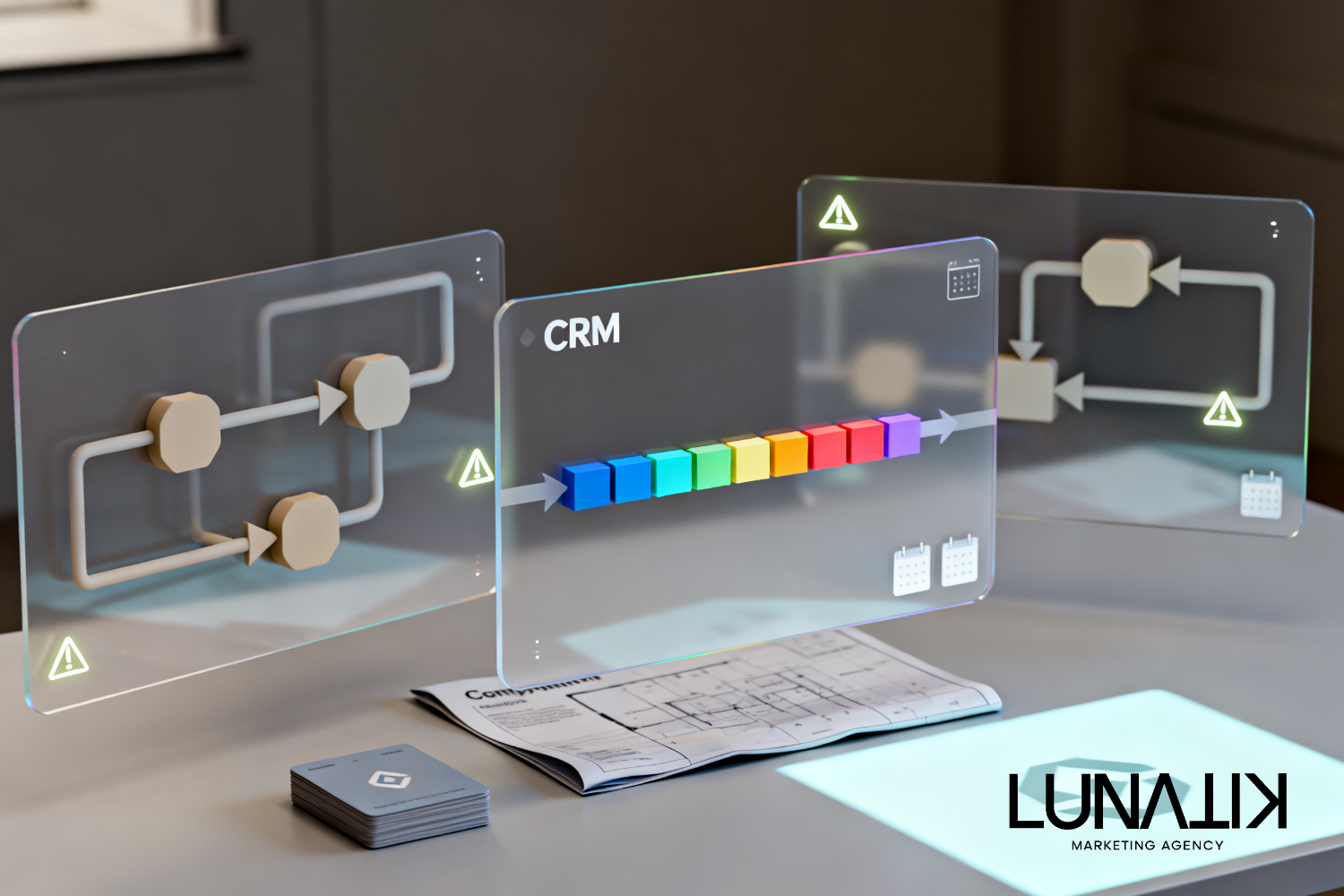
AI Workflow Automation: What to Automate for Small Business
Small businesses should automate repeatable, rules-based tasks that save staff time, speed responses, and reduce handoffs without replacing human judgment. Common candidates include lead capture and routing, basic lead qualification, scheduled follow-up, appointment booking and reminders, invoice and payment reminders, onboarding checklists, routine reporting, and alerting. Avoid automating high-stakes judgment calls, sensitive negotiations, or relationship-building moments that require human empathy.
Where automation belongs in a small business sales and marketing system
Deciding what to automate starts with the broader system: how leads arrive, how they move through your CRM, and where manual work creates delays. Automating the right areas improves productivity and conversion when it connects to your core systems and preserves customer experience. For businesses evaluating help, our AI & Automation services focus on these system-level connections so automation becomes part of a reliable lead-to-customer workflow rather than a disconnected tool.
A practical decision framework to choose workflows for AI automation
Use this simple framework before building any ai workflow automation:
Value: How much time, cost, or delay does the task create today? Prioritize tasks that free trained staff from repetitive work or close lead-response gaps.
Risk to experience: Would an automated action affect trust or reduce conversion if it fails or feels robotic? High risk means keep humans in the loop or add approvals.
Data readiness: Does the task rely on consistent structured data in your CRM or tools? Automation needs reliable inputs to work safely.
Complexity: Can the task be implemented with rules, templates, or lightweight AI prompts, or does it require nuanced judgment? Start with low-complexity items.
Observability: Can you measure outcomes and detect failures? Build monitoring and alerts into every automation.
Score potential workflows against these five criteria and prioritize those with high value, low experience risk, and good data readiness.
Practical workflow categories and implementation notes
Below are specific ai workflows that suit small businesses, with tradeoffs and implementation points for each.
1. Lead capture, deduplication, and routing
Why: Reduces response time and prevents lost leads by ensuring every incoming contact lands in the right place.
What to automate: Form ingestion, source tagging, duplicate detection, and assignment rules (territory, service, rep availability).
Tradeoffs: Incorrect routing can frustrate customers—use fallback rules and manual reassignment options.
Implementation note: Integrate directly with your CRM and add an audit log for troubleshooting.
2. Basic lead qualification and scoring
Why: Helps prioritize outreach so sales staff focus on best opportunities.
What to automate: Rule-based scoring (e.g., service interest, budget range, timeline) and lightweight AI summaries of lead intent from messages.
Tradeoffs: Scores are approximations—use them as triage, not final decisions.
Implementation note: Keep the scoring rules transparent in the CRM and provide a human verification step for high-value leads.
3. Automated follow-up sequences (email and SMS)
Why: Consistent follow-up increases contact rates and reduces manual reminder work.
What to automate: Multi-step nurture sequences, appointment confirmations, and conditional branching based on opens or replies.
Tradeoffs: Over-automation can feel impersonal—personalize key messages and allow quick escalation to a rep.
Implementation note: Use templates with dynamic fields populated from CRM data and include an easy opt-out.
4. Appointment scheduling and reminders
Why: Eliminates back-and-forth and reduces no-shows.
What to automate: Calendar availability checks, booking links, confirmation messages, and automated reminders.
Tradeoffs: Syncing calendars must be accurate—test time zones and buffer rules.
Implementation note: Provide manual override for high-value or complex scheduling.
5. Customer onboarding and task checklists
Why: Keeps new customers moving through setup steps consistently without manual follow-up.
What to automate: Step-by-step onboarding emails, next-action reminders, and escalation if milestones are missed.
Tradeoffs: Some onboarding interactions require human touch—preserve checkpoints.
6. Accounts, invoicing reminders, and collections alerts
Why: Protects cash flow while reducing manual dunning emails.
What to automate: Payment reminders, status updates in CRM, and alerts for aging invoices.
Tradeoffs: Sensitive financial communication should include human oversight for disputes.
7. Reporting, dashboards, and alerting
Why: Saves time on routine reports and surfaces exceptions quickly.
What to automate: Scheduled performance reports, anomaly detection alerts (e.g., sudden drop in leads), and campaign spend thresholds.
Tradeoffs: False positives waste attention—tune thresholds and include manual confirmation steps.
8. Content support and personalization (with guardrails)
Why: AI can draft copy for emails, ads, or landing pages quickly.
What to automate: First drafts, variant generation for A/B tests, and personalized subject lines.
Tradeoffs: Always review AI-generated content for brand voice, accuracy, and compliance before sending.
Implementation checklist and CRM integration considerations
Practical steps to reduce risk and speed deployment:
Map the current manual process step-by-step, including inputs, decisions, and handoffs.
Define clear success metrics and failure conditions (e.g., response time, conversion, error rate).
Confirm your CRM contains the fields and triggers needed for automation; plan for data clean-up if required.
Start with a small pilot: one workflow, one team, and a timebox for evaluation.
Build monitoring and an easy rollback path; include manual overrides for exceptions.
Train staff on new processes and show how automation assists—not replaces—their work.
When you are ready to wire automations into your operational systems, pay special attention to crm integration and data flows. A connected CRM is the single source of truth for routing, scoring, and personalization.
Measuring success and avoiding common failure modes
Track both operational and customer-facing metrics: time-to-first-response, qualified lead rate, conversion per sequence, error or bounce rates, and customer feedback. Common failures come from poor data quality, brittle rules that break with edge cases, and automations that remove necessary human review. Plan for continuous iteration: automation should be improved from real usage data, not set-and-forget.
Frequently asked questions
Can AI replace my salespeople?
No. AI workflow automation should reduce repetitive tasks and help prioritize leads so salespeople spend time on higher-value interactions. Human judgment remains essential for complex negotiations and relationship building.
How do I keep automations from feeling robotic?
Use personalization tokens, limit the frequency of automated outreach, include human-sent messages at key points, and let customers reach a real person easily. Test messages with your team before broad rollout.
What’s the right first workflow to automate?
Pick a high-volume, low-risk task that saves measurable time—example: lead routing and initial acknowledgement. That creates quick operational wins and gives data to justify broader projects.
Plan your AI workflow pilot
Small businesses can work with Lunatik Marketing Agency to design practical AI workflow automation pilots that connect CRM data, lead routing, and follow-up without disrupting the customer experience. A typical engagement starts with a short audit to identify one or two high-impact workflows, maps the required data and integrations, and delivers a monitored pilot with clear rollback and escalation rules. If you want a structured pilot that reduces risk and builds internal confidence, explore how Lunatik Marketing Agency can help you get started with AI & Automation.